I've created a few more hybrid scrapbook pages! I've been sharing them over on my Instagram, but I thought I'd share them all here on the blog, too. I usually include a few more details about how I put the pages together on Instagram, so be sure to check that out if you'd like to see more of the process.
For the page above, I wanted to make it a little more interactive. All of the tags lift up to reveal hidden journaling underneath, which is such a fun way to include more of the story without taking up extra space on the page! I used Simple & Sweet Travel Templates along with the gorgeous Wanderlust collection from Elif Sahin and Designed by Soco.
I also created an insert (below) to hold even more photos that I wanted to include. I love being able to combine the best of digital and traditional scrapbooking to create something a little different and make room for all those memories.
And because I'm so excited about this project and want to encourage others to give hybrid scrapbooking a try, I turned the page into a template! It’s available in Photoshop and Canva, so even if you don't have Photoshop, you can still jump in and try your hand at digital or hybrid scrapbooking.
You can grab this free template on my
Instagram page under my bio.
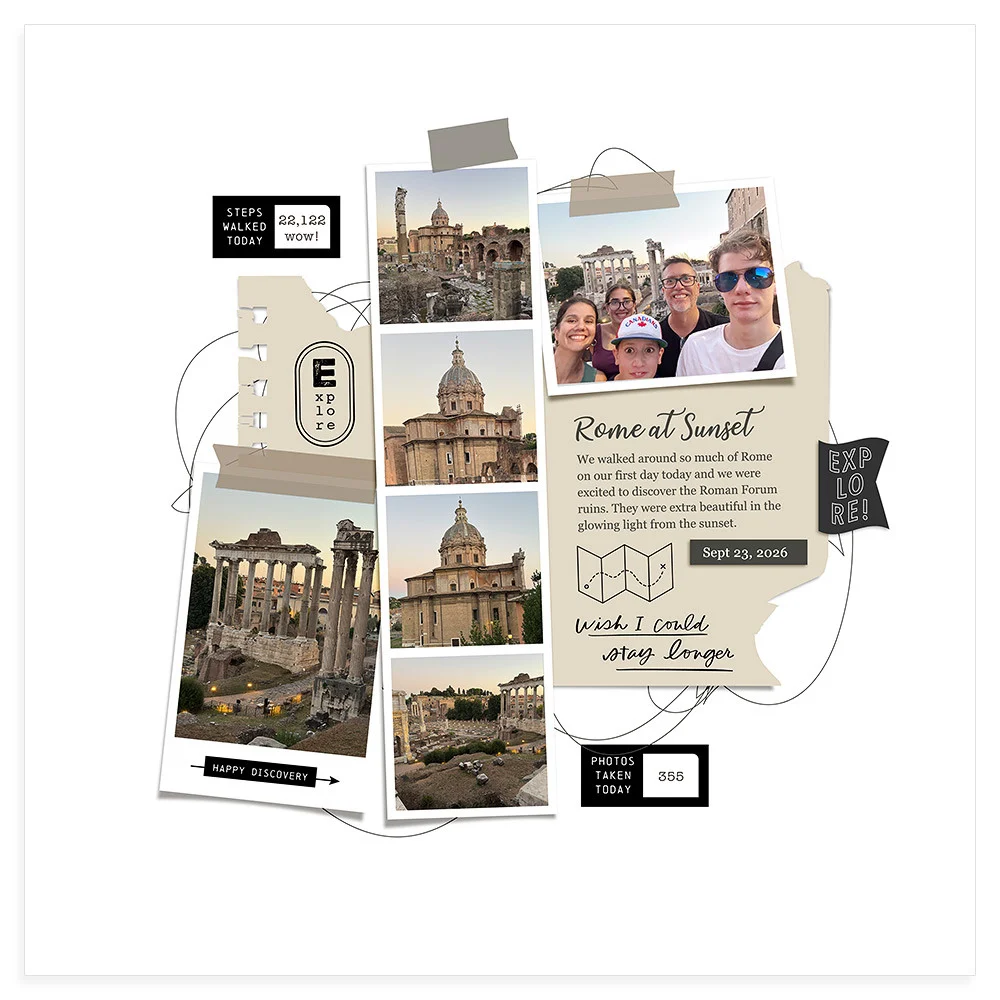
Next up is a more straightforward hybrid page! I used my Simple & Sweet Travel Templates to create the layout in Photoshop, then printed the photos and various elements. After that, I cut everything out and put it all together on the page. Sometimes it's fun to keep things simple and let the photos and layers do the work!
For this page, I wanted to create a big pull-out photo feature because I had such a beautiful photo of the Windows area in Arches National Park that I really wanted to showcase it! It's a little hard to see how it all works in these photos, but you can watch a video over on my Instagram here to see the pull-out in action.
This is what it looks like when you open up the whole page.
I've been experimenting with different techniques and learning new things along the way. I still feel like I have so much to learn, but that's part of the fun! I'm enjoying the process of trying new ideas, figuring out what works, and finding creative ways to combine digital and traditional scrapbooking. I hope these pages might inspire you to try something new, too!
-Liz