Printing / Scrapping with Liz
Printing
Showing posts with label Printing. Show all posts

Printed 8x8 Graduation Album


Here it is: my daughter’s printed graduation album. I’ve been working on it on and off for the last two years, and it’s only about nine months since her graduation. It may be a little late, but it’s finished, and she has the rest of her life to look through it.

I ordered the book from Shutterfly, and here are the details:

Album Specs:

  • 8x8 book

  • 20 standard pages plus 9 additional pages

  • Hard photo cover

  • Professional 6-color printing

  • Standard binding

I waited for a sale and received free shipping along with two free pages, which was a great bonus. After I placed the order, it only took about a week to arrive.


Here are the digital products I used to create the book:

Layers upon Layers Templates by Scrapping with Liz
For the Record by Elif Sahin Designs
Noteworthy by Elif Sahin Designs
Simple and Sweet Album Templates 4 by Scrapping with Liz
Senior Year Digital Stamps by Paislee Press
Graduate Elements by Paislee Press
Congrats Grad Elements by Paislee Press

You can see more of the digital pages here, before printing.


And here are some pictures of the album:


My goal for this album was to scrapbook one page from each year of her life, all the way through graduation. I began with a more traditional scrapbook style, using layered elements, shadows, and texture. When I reached the graduation photos, I shifted to a simpler, more graphic look.


Here's a look at pages side by side with different backgrounds. 


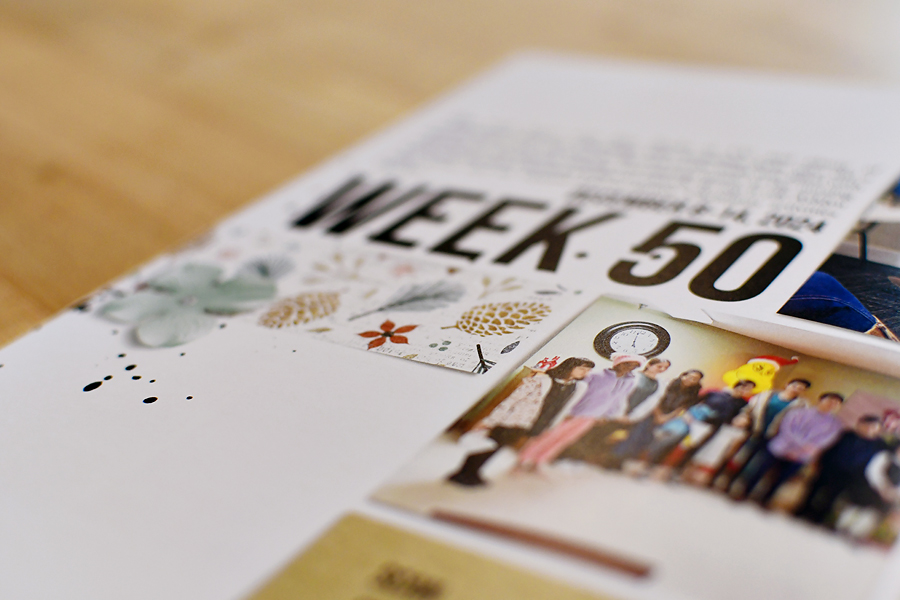
Here's a closer look at the matte pages. The shadows give the layouts a dimensional, paper-crafted look that I love.


For the graduation section, I leaned into a clean, magazine-style design. I took the photos myself, which made that part even more special and so much fun. I included several pages featuring just her, but I also added a couple of spreads with her friends because those friendships were such an important part of her high school years.


Finally, a little flip through of the album.


2024 Shutterfly 10x10 Scrapbook Album

Our 2024 Shutterfly album arrived this past week, and I wanted to share a close-up with you all—we love it!

Album Details:
📏 Size: 10x10
📖 Pages: 105
📚 Binding: Standard
🎨 Printing: 6-Color
📕 Cover: Hardcover

I designed the book in Shutterfly and waited for an unlimited pages sale. As soon as I got the email, I placed my order and saved $160!

For the pages, I used Photoshop along with digital kits from The Lilypad and HeyScrapper. The front cover was created with my Album Cover Templates, and all the pages feature designs from my Zine Life template series.

Front Cover:


I love the glossy, bright color. It'll be easy to wipe off if it gets dirty.

A look at the inside.


You'll notice that in the gutter the text is quite close. I should have probably left a little more room. You can still read it, you just have to press down the page.

But don't those shadows look pretty cool? Even digital can look real.


You'll notice that the text is a bit close to the edge. It didn't get cut off, though! I've had some ask what size font I use. This is 12 point and really works well with a 10x10 album.

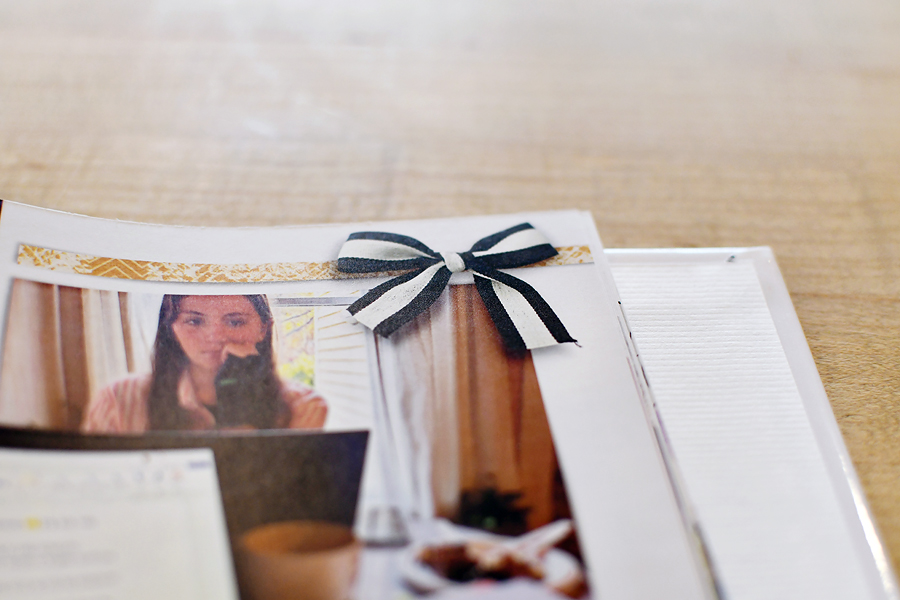
Look at that ribbon!


You can see the binding and how thick 105 pages are.

And the spine.

Overall, we love the book! I’ve ordered several sizes over the years, and I think the 10x10 is perfect. It’s small enough to snuggle up on the couch and flip through, yet large enough to clearly see the pictures and journaling.

-Liz


10x10 Shutterfly Layflat Album Review!


It's about time! I completed this album at the end of 2018 and then ordered the album in February of 2019. And it's December 2019 and I'm finally writing up a blog post about my 10x10 Layflat Shutterfly Album.


As you can see my kids love it, but they really love all of my scrapbook albums. Our family scrapbooks are their favorite "books" to read.

The 10x10 album is the perfect size for little laps.


Just right for flipping through and the pages are sturdy enough that I don't have to worry about pages getting ripped or torn.

For the last few years, I've been printing 12x12 pages and slipping them in a traditional album. You can see my 2016 review here. I really do love the way the traditional album works but the size was overwhelming my shelves and I wanted to try something different this year. Keep reading for a comparison of the different albums I've ordered.


Some close-ups! I love how they lay flat and you can really see that spread with no cut off in the middle. And the text and journaling were still easy to read at the 10x10 size.

Using Everyday Templates

The colors are great. The pages have a matte finish and a little bit of shine to them.


My kids love to find QR codes on the pages and then use my phone to scan to watch the video.


Oh, I just love looking at these photos!


Here's a close up of the spine. They have hinged binding.


Here's a size comparison of my 12x12 traditional album to my 10x10 Shutterfly Layflat album.


That's going to take up a lot less space on my shelf!


I've also added my 12x12 Blurb book to the pile (it's not layflat).


Here I've added my 12x12 Layflat Shutterfly Album. It's the 2nd one in the stack.


From left to rights. 12x12 Traditional. 12x12 Shutterfly Layflat. 12x12 Blurb. 10x10 Shutterfly Layflat.


On my shelves. There are 4 traditional albums, the 12x12 Layflat Shutterfly Album, 2-12x12 Blurb books and then the 10x10 Layflat Shutterfly Album.


Looking down for size comparison. I also have another blog post here about the size comparison of albums.


There are so many pros to the 10x10 size that I plan on continuing to use the 10x10 size on my family albums. The only thing I would be more careful about is the bleed. If you are making project life style pages and your photos go all the way up to the edge some of that will be cut off...so just plan accordingly. If you do order from Shutterfly make sure you wait for a big sale. I saved almost $200 and only paid around $75 for my album!

I guess this turned more into a comparison of different size albums but overall I am extremely happy with this specific album and so are my kids!
-Liz

2019 Calendar by Amanda


Amanda, one of my creative team members, has created another beautiful calendar. She used Simple and Sweet Album Templates 7. For herself, she created 12x12 pages, and for her family, she converted them to 8x11.

I usually scrap with the pictures in mind first. For this project, I found it easier to scrap the base pages then find pictures to fit. I organize my pictures by date so it was easy to find January 2018 pictures to fit the January 2019 calendar. - Amanda

She used Shutterfly to print her calendars and made sure to use coupons!

Here are some close-ups of her calendar. 
*Look below for a full list of products used.


She had also planned on using my 2019 Calendar Grids and made these but then ended up using the pre-made grids with Shutterfly. Here's what she did with them.


Base Supplies for Calendar:
Month Titles: Forever Joy ~ Basics | Months
Month Tags: Pink Reptile Designs ~ Round About WhenPaper: Paula Kesseling ~ Basic White Papers #2Staple: Pink Reptile Designs ~ Nuts About FallFonts: Albertsthal Typewriter (12 pt)


Cover:
Sabrina's Creations ~ Cloud 9 | Elements
Sabrina's Creations ~ Joy | Papers

January:
Pink Reptile Designs ~ Seasons Greetings

February:
Etc. by Danyale ~ DaDoodly Love Kit
March:
Bella Gypsy ~ Full O'Blarney
Kristin Aagard ~ Happy Birthday
April:
One Little Bird ~ Shimmer
One Little Bird ~ Busy Week
May:
Pink Reptile Designs ~ Heimili
June:
Kim Jensen ~ Summer Shenanigans
July:
Sara Gleason & Amber LaBau ~ Spark | Elements
Sara Gleason ~ Per Diem | Papers
August:
Just Jaimee ~ I Heart Fall
September:
Kristin Aagard ~ Autumn Falling
October:
Kristin Aagard ~ Pumpkin Carving
Kristin Aagard ~ Happy Birthday
November:
Kristin Aagard ~ Give Thanks
December:
Forever Joy ~ Heaven and Nature Sing
Dawn Inskip ~ White Christmas Papers


Have you ever scrapped a calendar? I would love to see it.
-Liz

Tiff's Washington DC Album

A guest post from Tiff showcasing her gorgeous Washington DC Album:

More than a year after my family's trip to Washington DC, I have finally scrapped our travels. I knew it would be a substantial album, and the scope of it was holding me back. But finally, as a summer project, I got the whole thing scrapped and printed. And it's a beautiful book! I'm so glad I got it done.

I did a 12x12 lay flat book from Shutterfly. Before this, I had only printed small Shutterfly books to give as gifts. My personal albums were always printed with Blurb. I actually started this book on Blurb, but I ran into a problem. Although Blurb offers lay flat pages, their online book creation tool did not offer a layout with one image spanning the page. Some of my pages were two-page spreads that needed to span the middle. Since the Blurb creation tool could not accommodate that, I needed to switch platforms.

I used Scrapping with Liz templates on every one of my pages. I worked mostly with


For kits, I used Allison Pennington's For The Love Of 2017 and For the Love of 2018 collections, which have very similar color palettes. I had a ton of papers and elements to choose from.

Because I used a full bleed cover, I was a little worried about parts of the image cutting off or folding around the edge. Shutterfly was giving me a little yellow caution sign about it. I tried out several different versions of the cover, with the graphics shrunk down various amounts. The cover turned out fine, and the preview I saw online matches exactly how my cover turned out.

Most of my pages were single page designs, and I could work with each page by itself. However, I quickly realized that when I made the pages, I did not pay close attention to text/photos near the edges. I had to adjust (and re-upload) several pages, and that was a pain. I wished I had been thinking ahead when I created the pages.


This page was originally two single pages, with the blue chicken "cut off" in the middle. That looked fine when I uploaded to galleries, but for the book, I realized I needed to re-design the page as an actual 2-page spread.

Several of my pages I created right from the start as 2-page spreads with images spanning the middle. This was why I needed the lay-flat pages. It is a beautiful look, but also adds substantial cost to the album. This 47 page album was similar in cost to my full-year 100+ page albums with regular binding. I still think it was worth it, though.

When I scrapbook, I'm not shy about supplementing my pages with images I find on the internet. Since I'm interested in architecture and history, I love to include old pictures (which would be impossible to create myself). I'll even use text from websites to add facts and details about the locations. The images on the left side below are all from the internet.

This spread is about half way through the book. I was getting a little bit fatigued, but I just loved how this page turned out! I was so pleased with it, it gave me a second wind to keep going. I did have to do a bit of tinkering with the far left and right edges before I felt confident about the how much would get trimmed off.

Since my photos at art galleries did not always include the artist's info, I did my best to research online so I could credit the artists for future reference. In fact, I learned so much while making the scrapbook that I want to go back again and appreciate the details I didn't know or notice the first time!

The Focal Point Templates are perfect for scraping statues and monuments!

How was the quality of this Shutterfly book, compared to my Blurb books of the past? I've always thought of Blurb as more "professional" but based on the quality of this book, I think Shutterfly is just as good. The colors are beautiful, the lay flat pages are thick and feel nice to the touch. I'm not sure if they are made with ink or made with a photographic chemical process, but the paged definitely FEEL like photographs. Following are some close ups.

My white background paper had a soft texture to it, and I wondered if that would come through in the book or get washed out. The soft texture looks perfect! For many of my extracted or masked photos, I like to apply a Multiply or Linear Burn setting to the layer so that the background texture comes through the photo.


How does the size of the 12x12 Shutterfly book compare to my Blurb books on the shelf? They are exactly the same size! They fit next to each other perfectly.

After I ordered my book, I got the email that it had shipped in two days. The estimated delivery was 1 week after the day I ordered it, and it actually came a day early! So, I was very pleased with the shipping. In my Shutterfly account I had loaded in a couple of coupon codes - one was for 40% Off, and one was for Free Shipping on orders over $39. They were both automatically applied to my cart, so that was great!

I am extremely happy with this book and will never hesitate ordering Shutterfly for my big albums again, especially if I want lay flat pages.

If you have any travel albums that you're waiting on, I hope this will encourage you to get them scrapped. And Liz has many 20-page album sets to help you!

© Scrapping with Liz
Maira Gall